
Tabdoze: Tabs & Sessions
Free memory by resting idle tabs, never lose a session, find any tab instantly. Nothing leaves your browser.
Opera listing coming soon.
Works with Chrome 120+, Firefox 139.0+, Opera 106+v1.0.1
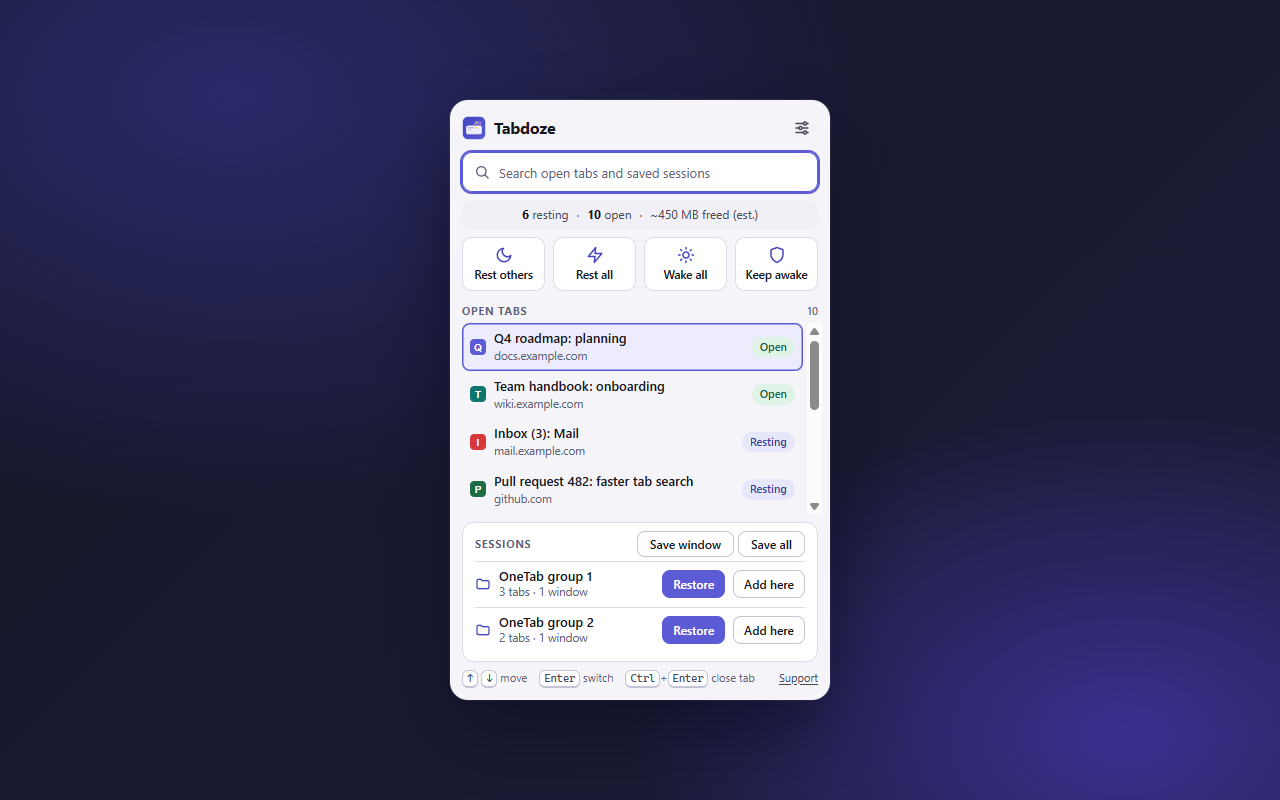
- Automatic Tab Resting
- Smart Protection Rules
- Unsaved Work Protection
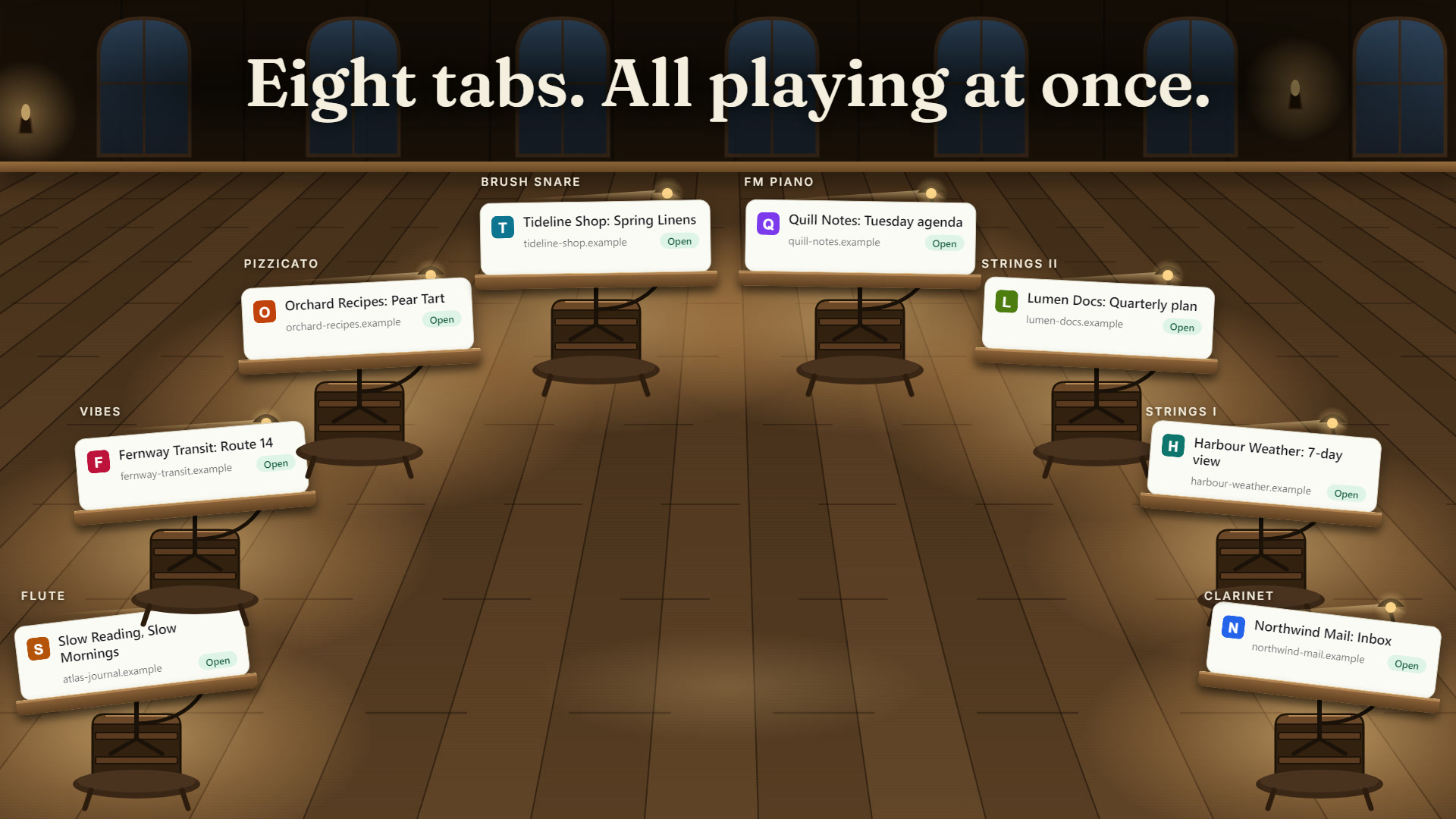
About Tabdoze: Tabs & Sessions
Tabdoze frees memory by gently resting tabs you are not using, while making sure you never lose your open work or browsing sessions.
Unlike older tab suspenders that dangerously replaced your web addresses with extension pages, Tabdoze uses your browser's native resting system. Your tabs keep their real web addresses, favicons, and history. If Tabdoze is ever uninstalled or restarted, not a single tab or URL is ever lost. Click on any tab to wake it up instantly.
Key Features
- Automatic Tab Resting: Resting idle background tabs frees up memory and extends laptop battery life.
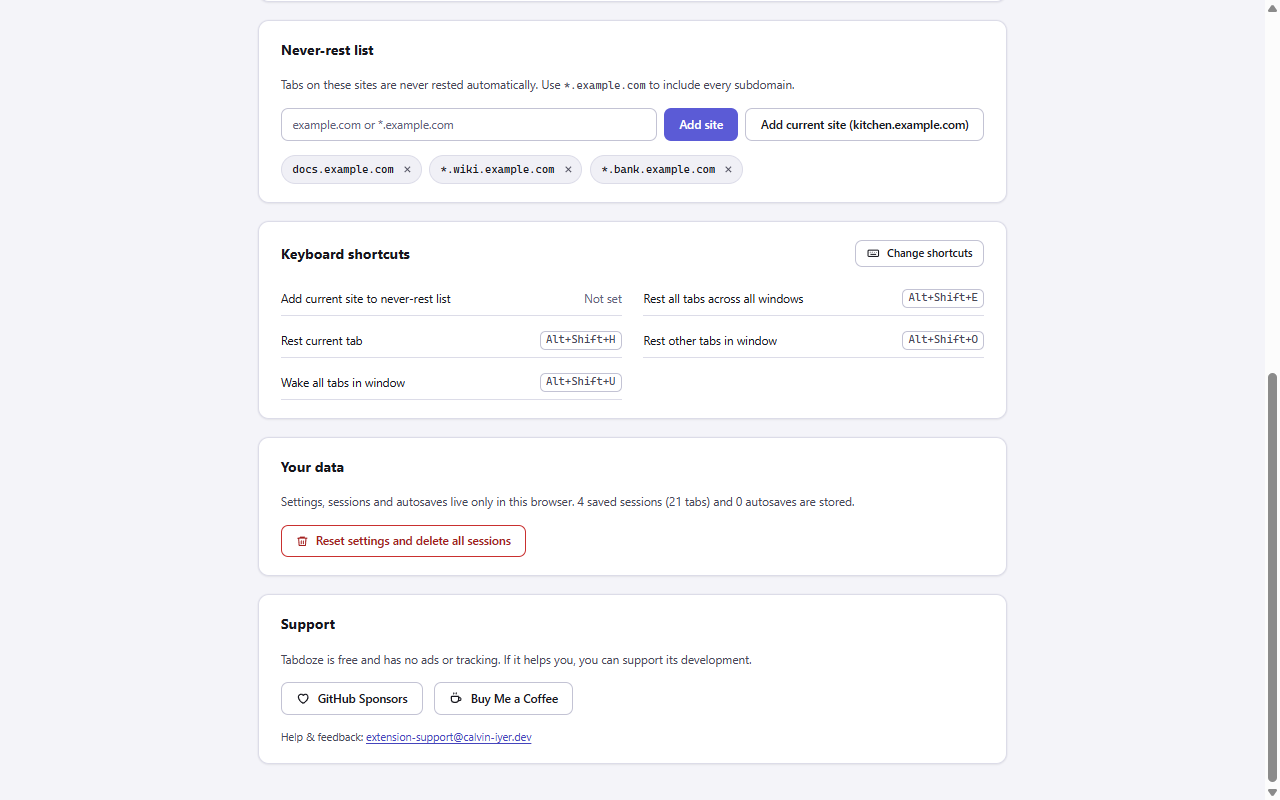
- Smart Protection Rules: Never rests tabs playing audio, pinned tabs, or websites you add to your never-rest list.
- Unsaved Work Protection: Optional form-guard checks whether you have typed unsaved text in forms before resting.
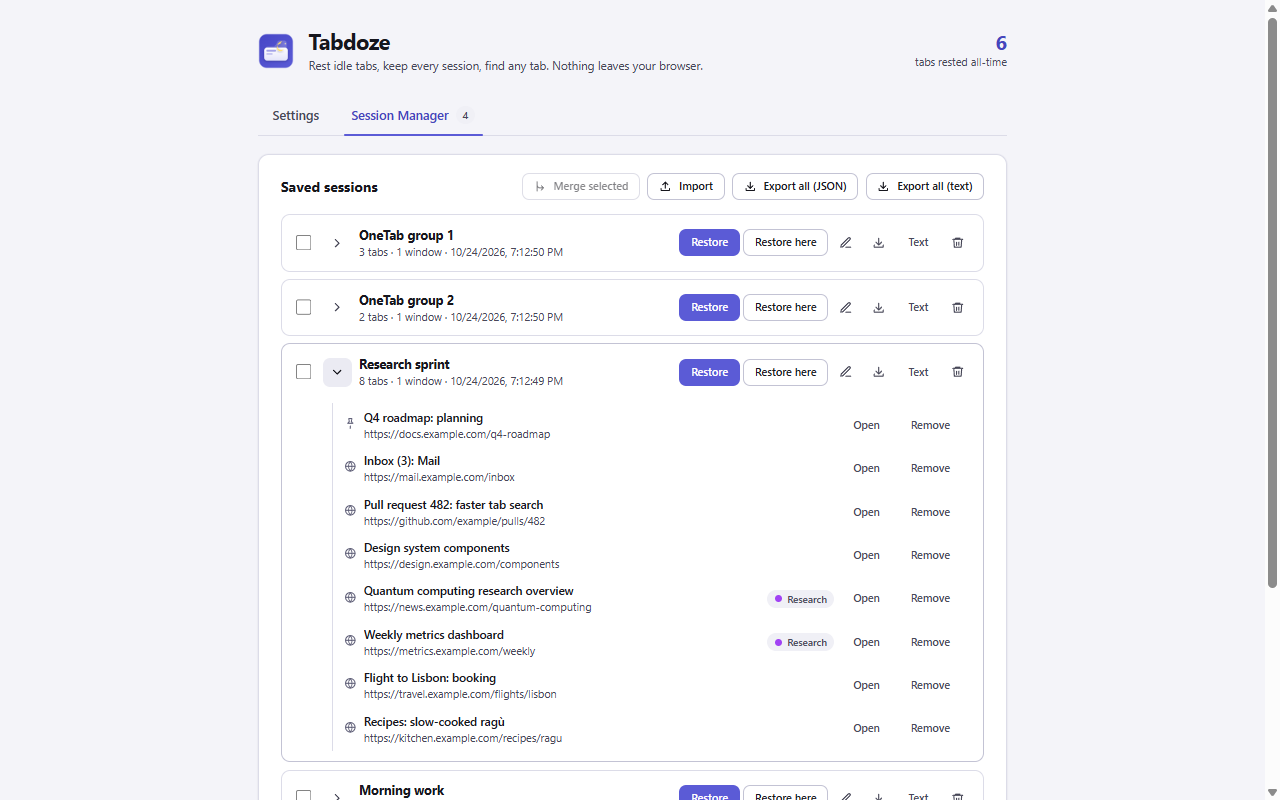
- Complete Session Management: Save windows or your entire browser workspace with one click. Restores tabs lazily without freezing your computer.
- Instant Fuzzy Tab Search: Find any open or saved tab instantly with keyboard shortcuts (Arrow keys to navigate, Enter to switch).
- One-Click Duplicate Closer: Finds duplicate tabs across all windows and keeps only the most recent one.
- Import & Export: Back up your sessions to text or JSON, and import from OneTab text exports or Tabdoze JSON.
- Crash Recovery: Snapshots of your windows are kept automatically and offered back if your browser restarts with far fewer tabs.
Zero-Tracking Privacy
Tabdoze requires no account, sends zero telemetry, and makes zero network requests. All session data and settings stay 100% on your device.
How to Use
- Click the Tabdoze icon in your toolbar to see resting stats and quick actions.
- Search across all open and saved tabs by typing directly into the search bar.
- Use keyboard shortcuts (Alt+Shift+H to rest current tab, Alt+Shift+O to rest others) for rapid workspace control.
- Open Settings to customize idle timeouts (from 5 minutes to 2 hours) and manage your saved sessions.
This extension is free and has no paid features. If you find it useful, you can optionally donate through GitHub Sponsors or Buy Me a Coffee using a link in the settings page or the small Support link at the bottom of the popup. Donating changes nothing in how the extension works.
Permissions, in plain words
7
- tabs
- Required to identify idle tabs, discard unused tabs, detect duplicate URLs, and switch between open tabs.
- tabGroups
- Required to preserve, save, and recreate tab group titles and colors when saving and restoring browsing sessions.
- storage
- Required to persist user resting timeouts, never-rest domain lists, and session configuration locally on device.
- unlimitedStorage
- Required to store extensive tab session archives and crash recovery snapshots locally without quota errors.
- alarms
- Required to periodically schedule the 1-minute idle tab evaluation check and 5-minute session autosaves.
- scripting
- Required for the optional form-protection feature to detect unsaved text typed into input fields before resting.
- <all_urls>
- Optional permission requested only when the user enables form protection, allowing the extension to inspect input fields for unsaved work.
Changelog
1
v1.0.0
- First release candidate. Stylesheets now ship (the first build rendered unstyled), real screenshots, lazy restore waits for tab URLs, form protection exercised end to end. Firefox and Opera builds, browser-neutral wording.
Support and privacy
Email
extension-support@calvin-iyer.devTabdoze: Tabs & Sessions
privacy policy for Tabdoze: Tabs & Sessions