
Sitehue: Website Customizer
Customize fonts, colors, backgrounds, filters, and layout across websites with global profiles, site overrides, and access lists.
Chrome and Opera listings coming soon.
Works with Chrome 120+, Firefox 127.0+, Opera 106+v1.0.1
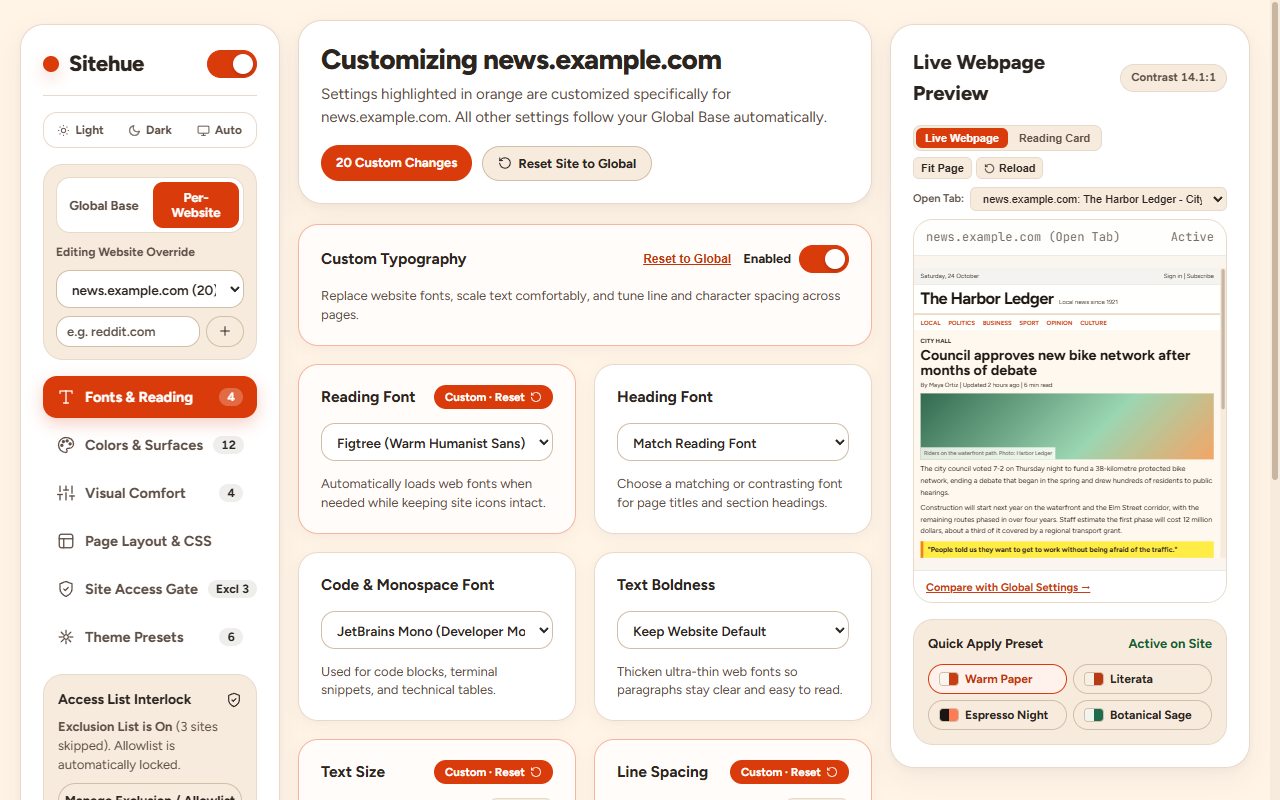
- Typography Control
- Colors & Backgrounds
- Visual Filters & Media
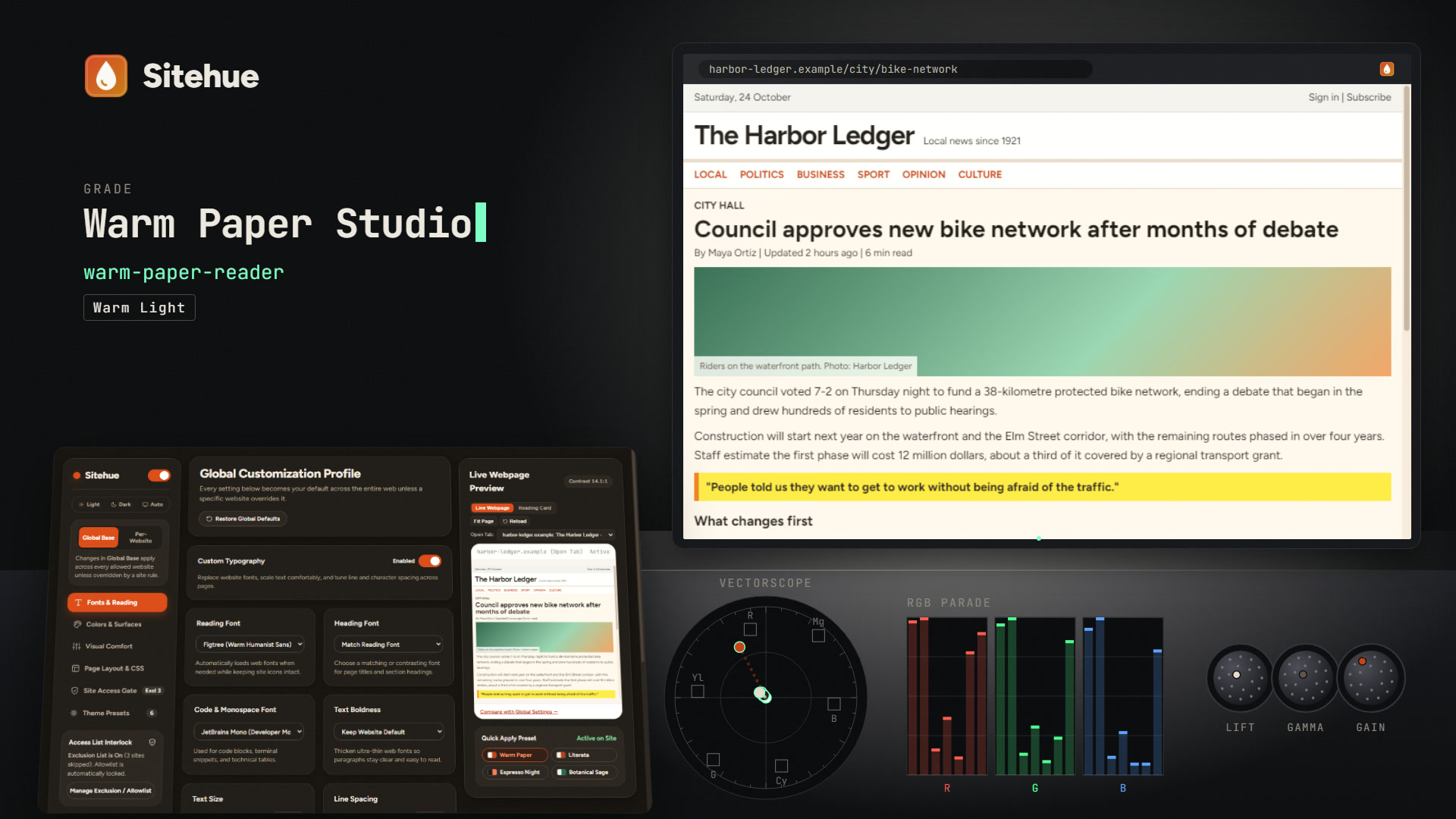
About Sitehue: Website Customizer
Sitehue gives you complete visual control over every website you visit, combining a universal default look with per-website overrides and strict site access rules.
Key Features
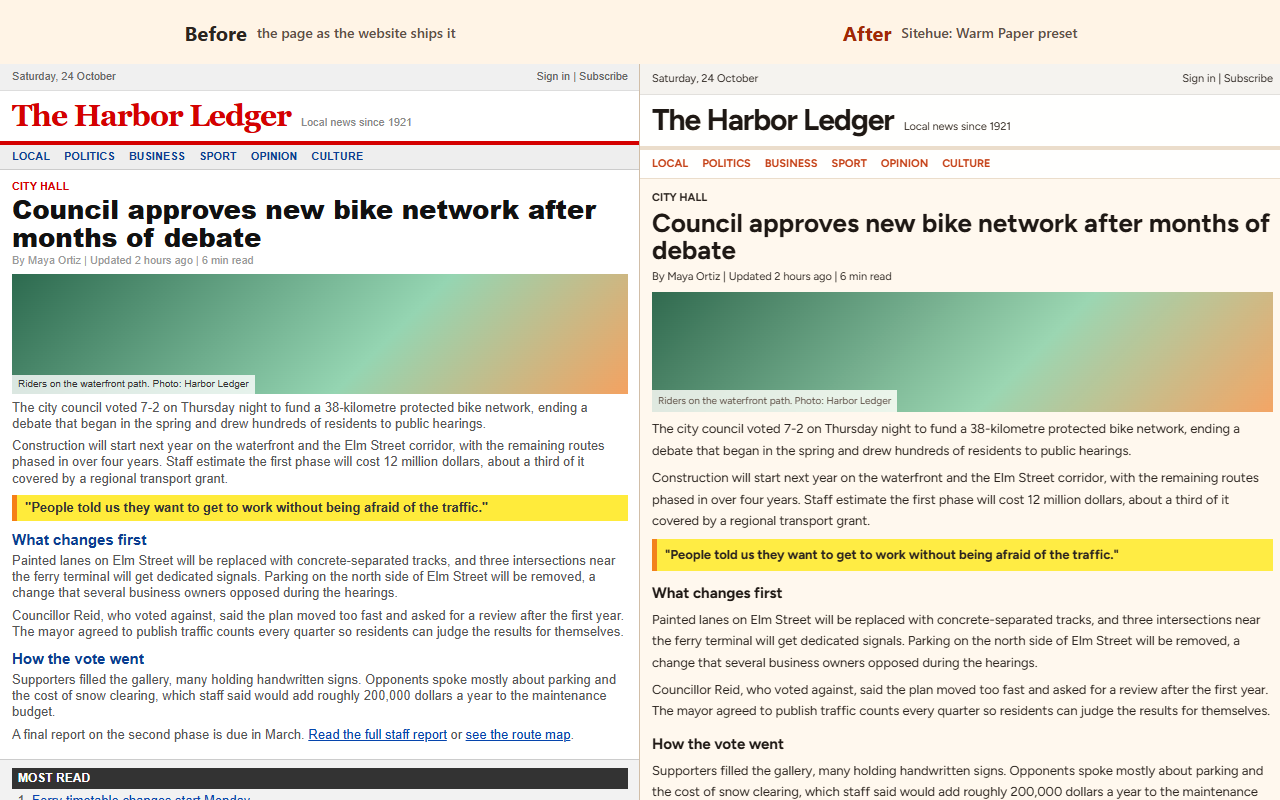
- Typography Control: Choose custom body, heading, and monospace fonts, adjust text scale, line height, letter spacing, word spacing, and paragraph spacing for effortless reading across the web.
- Colors & Backgrounds: Restyle page backgrounds, elevated surfaces, body text, headings, links, borders, and text selection highlights, or apply one of six built-in themes such as Warm Paper Studio, Espresso Night Lounge, Botanical Mist & Sage, and Hyperlegible Studio Contrast. Text that sits on a website's own colored boxes is checked against its real background and kept readable (WCAG AA contrast) under every theme.
- Visual Filters & Media: Fine-tune page brightness, contrast, sepia warmth, grayscale, hue rotation, color inversion, and dim overly bright images or videos.
- Layout & Reading Comfort: Constrain sprawling pages to a comfortable reading column, hide distracting page elements, force clear focus outlines, disable jarring animations, and add custom style rules.
- Granular Per-Website Overrides: Customize individual websites without losing your global defaults. Override only the specific settings you want on a particular domain while every other setting continues to inherit from your global profile.
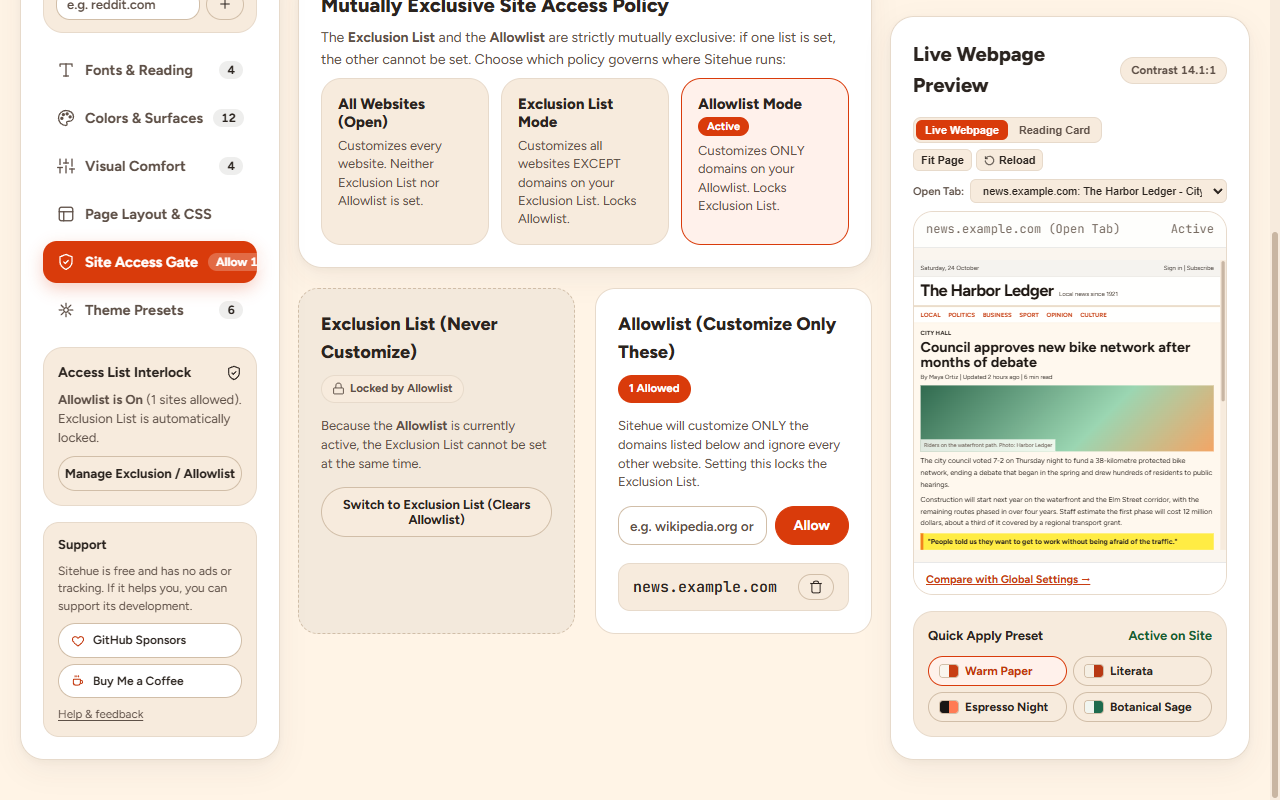
- Mutually Exclusive Access Lists: Choose whether your styles apply everywhere except on websites in your Exclusion List, or exclusively on websites in your Allowlist. Enabling one list automatically clears and locks the other so your rules never conflict.
- Studio & Toolbar Dark Mode: Toggle between warm light, espresso dark, and auto system themes across the Studio dashboard and popup with instant zero-flicker rendering.
- Real-Time Live Preview: Inspect live styled pages side-by-side with your controls or compare against global defaults in real time.
How to Use
- Click the Sitehue icon in your browser toolbar to toggle styling on the current website, apply a one-click theme preset, or override specific settings for that domain.
- Click "Studio" to configure your Global Customization Profile, manage Per-Website Overrides with a live side-by-side preview, and configure your Exclusion List or Allowlist.
- Export or import your complete configuration as a backup file at any time.
Privacy & Permissions
All of your customization profiles, site overrides, and domain lists are stored locally on your device. Sitehue is 100% free and ad-free, and never collects, tracks, or transmits your browsing history or personal data.
Support
This extension is free and has no paid features. If you find it useful, you can optionally donate through GitHub Sponsors or Buy Me a Coffee using a link in the Studio settings page or the small "Support" link in the toolbar popup. Donating changes nothing in how the extension works.
Help & feedback: questions or feature requests can be emailed to extension-support@calvin-iyer.dev (a "Help & feedback" link in the Studio opens your mail app).
Permissions, in plain words
4
- storage
- Saves the user's global style profile, per-website style overrides, interface theme preferences (Light / Dark / Auto), and exclusion/allowlist domain rules locally on the device so customizations persist across browser sessions.
- tabs
- Reads the active tab's hostname in the toolbar popup and background badge so the user can see whether the current website is styled, excluded, or using per-site overrides, and immediately broadcasts style updates to open tabs without requiring a page reload.
- scripting
- Dynamically injects the content styling engine into pre-existing open tabs when the extension is first installed or updated, ensuring existing tabs are customized immediately without requiring the user to manually refresh.
- <all_urls>
- Applies the user's chosen fonts, colors, background surfaces, visual filters, and reading layout rules across any website the user visits according to their Global Profile, Per-Website Overrides, and Exclusion/Allowlist settings.
Changelog
1
v1.0.0
- Initial release with Global Customization Profile, Granular Per-Website Overrides, Mutually Exclusive Exclusion List & Allowlist, Toolbar Popup, Warm Consumer Studio Dashboard, Studio & Toolbar Dark Mode (Light/Dark/Auto), Dynamic Content Script Injection, Support/Donation links, and multi-browser builds (Chrome, Firefox, Opera).
Support and privacy
Email
extension-support@calvin-iyer.devSitehue: Website Customizer
privacy policy for Sitehue: Website Customizer