
Pageburrow: Read-Later Library
Save articles to read later, offline and private. Clean reader, highlights, search and one-click Pocket import.
Opera listing coming soon.
Works with Chrome 120+, Firefox 128.0+, Opera 106+v1.0.2
About Pageburrow: Read-Later Library
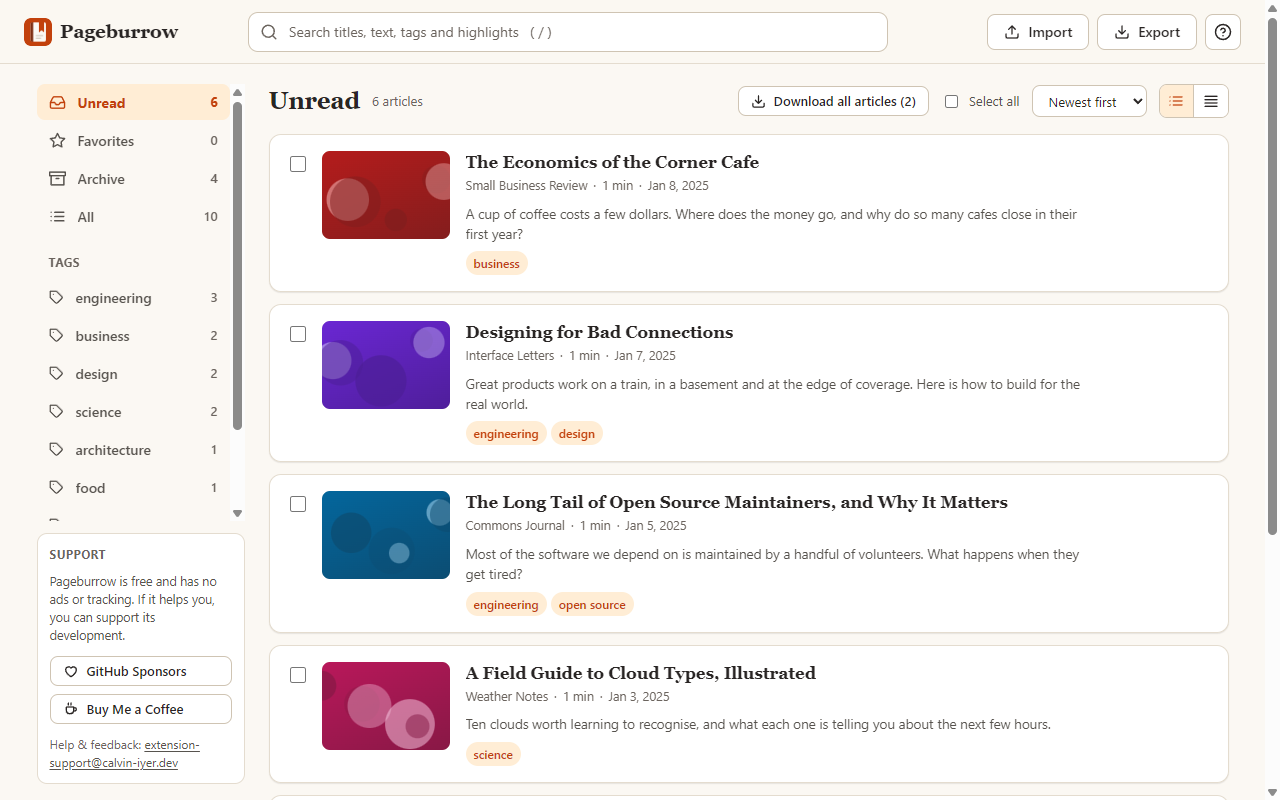
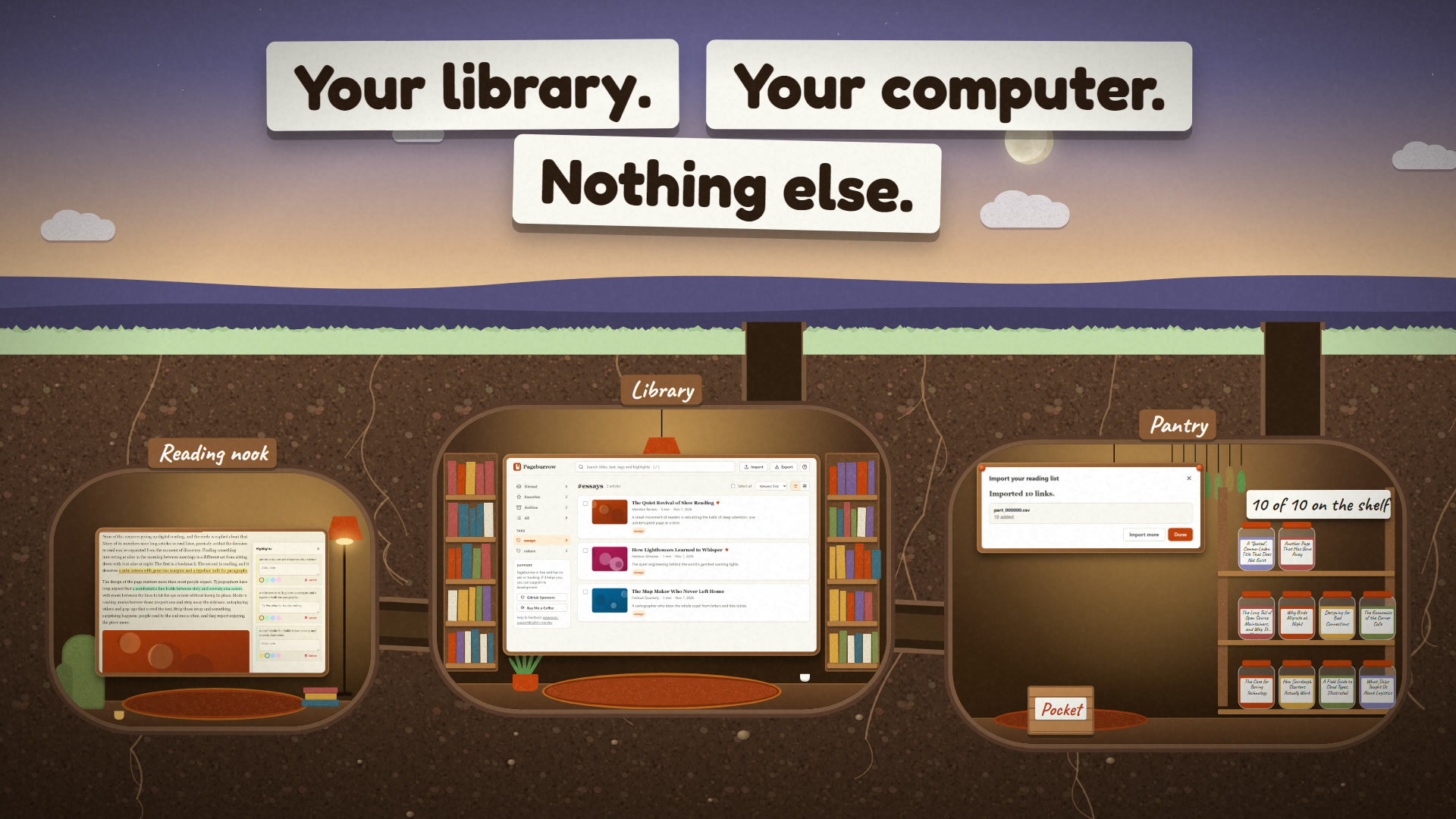
Pageburrow is a read-later library that keeps everything on your computer. Save any article with one click, read it in a calm, distraction-free view, highlight and annotate it, and find it again with full-text search.
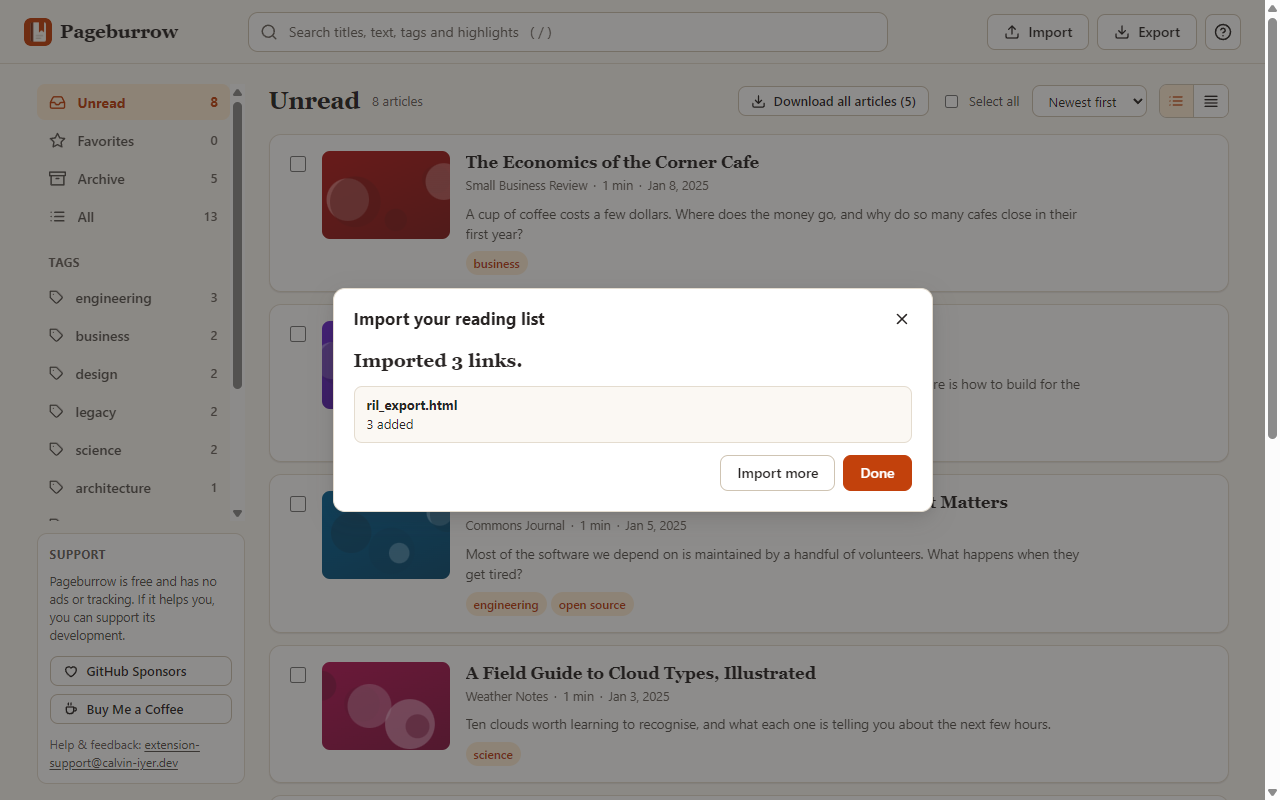
Pocket is gone. Bring your whole library with you: drop in your Pocket export (the .zip, the .csv or the older .html file) and your links, tags, dates and archive status come across in one step. Instapaper CSV files and browser bookmark files work too.
Save
- Click the Pageburrow button, or press Alt+Shift+S, to save the page you are on. Pageburrow briefly scrolls long pages to the bottom, so articles that load as you scroll are saved in full, then returns you to where you were. A short confirmation appears on the page.
- Right-click a page or a link and choose "Save page to Pageburrow" or "Save link to Pageburrow".
- Pages you have already saved are recognised, even if the address has tracking parameters.
- Add tags right from the popup, and undo with one click.
Read
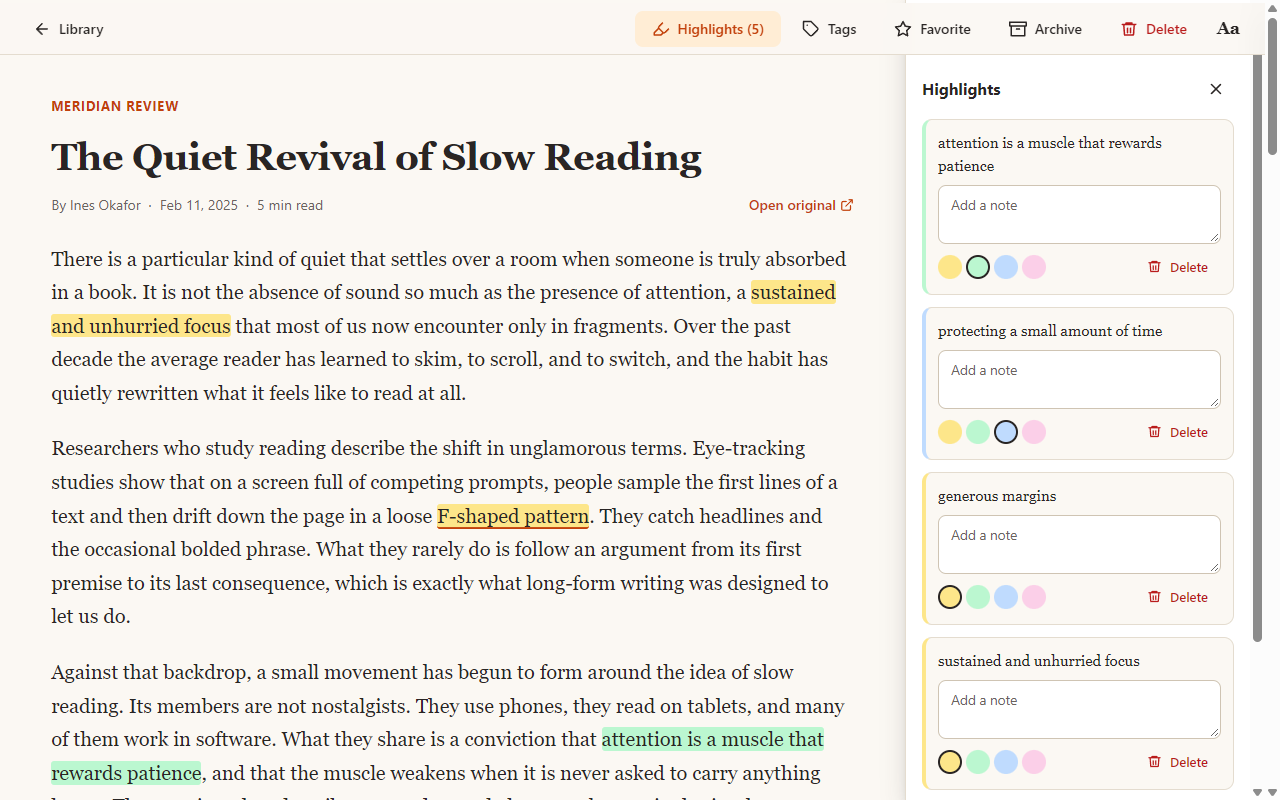
- A clean reader view with serif or sans type, five text sizes, three widths, and Light, Sepia, Dark or System themes.
- A progress bar, your place remembered, and an offer to archive when you reach the end.
- Select text to highlight it in four colours, add a note, or copy it. Highlights and notes are listed beside the article.
- Where your browser offers on-device summaries, get key points of an article summarised on your own device. Browsers without that feature simply do not show the button.
Organise
- Unread, Favorites, Archive, All and tag views; sort by newest, oldest, longest or shortest; comfortable or compact lists.
- Search across titles, sites, tags, article text and your highlights, with typo tolerance. It stays fast with thousands of articles.
- Select several articles to archive, favorite, tag or delete them together. Every change can be undone.
- Keyboard shortcuts: / to search, j and k to move, Enter to open, a to archive, f to favorite, # to tag, Delete to delete, ? for help.
- Export everything as JSON (with highlights), bookmarks HTML, or a Markdown file of links and highlights.
Privacy
Your library is stored on your device. Pageburrow has no account, no servers and no analytics. The only network requests are for the pages you ask it to save or download, and the images inside your saved articles.
How to start
- Open any article and click the Pageburrow button.
- Open your library from the popup to read, search and organise.
- Coming from Pocket? Choose "Import from Pocket" in the popup or library.
Support
This extension is free and has no paid features. If you find it useful, you can optionally donate through GitHub Sponsors or Buy Me a Coffee using a link in the library page (or the small Support link in the popup). Donating changes nothing in how the extension works.
Permissions, in plain words
6
- storage
- Remembers reader preferences (theme, font, size, width) and list preferences (sort, density).
- unlimitedStorage
- The library keeps the full text of every saved article on the device so it can be read offline and searched. Thousands of articles exceed the default storage quota.
- activeTab
- When the user clicks the toolbar button, presses Alt+Shift+S or uses the right-click menu, Pageburrow reads the article on that one tab to save it, including briefly scrolling that tab to load the rest of a long article and then restoring its position. No other tab is read and no standing access to sites is needed.
- scripting
- Runs the article extractor (and its short scroll-to-load-the-rest pass) on the tab the user chose to save, and shows the small "Saved" confirmation on that page.
- contextMenus
- Adds "Save page to Pageburrow" and "Save link to Pageburrow" to the right-click menu.
- <all_urls>
- Requested only at the moment the user saves a link or chooses "Download all articles", so Pageburrow can fetch the text of those pages for offline reading. Never requested at install. Declining still saves the link; the article downloads once access is allowed.
Changelog
2
v1.0.2
- Renamed to Pageburrow (trademark complaint); older backups still import; no other functional change.
v1.0.0
- First release: save, library, reader, highlights, search, import and export.
Support and privacy
Email
extension-support@calvin-iyer.devPageburrow: Read-Later Library
privacy policy for Pageburrow: Read-Later Library